


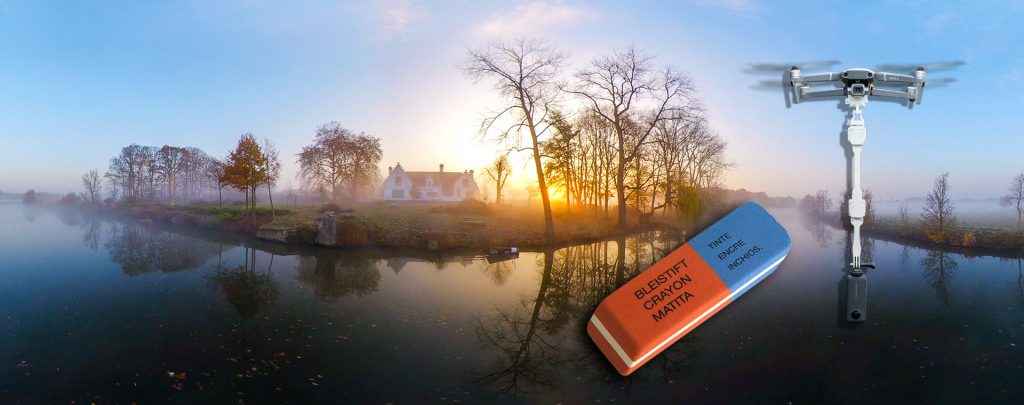
When your footage doesn’t have any ceiling or moving objects above it’s quite easy to mask out the drone. In Adobe Premiere just extract a frame (Ctrl+Shift+E) :


In Photoshop you open the exported frame and select ‘Distort > Polar Coordinates‘ :


This will turn the image from Rectangular to Polar and allow you to edit out the drone.


If you are lazy you can use the Healing Brush (J) but a Clone Stamp (S) does a better job.
Now we turn the picture back into Rectangular with ‘Distort > Polar Coordinates‘ :

Depending on how long your drone was and the amount of sky you have to remove select the area and feather it (I used 75 pixels here) :


If you now delete (Ctrl-X) that area you end up with a clean sky mask :


Save that as a .PNG (one of the formats that will keep the transparency in alpha) and drop it above your footage in Premiere to see the drone removed :


Here’s the result :
